

The Forager Lab
Acid Adjustment Calculator
Build a more predictable acid structure when swapping one juice for another.
Fresh juices can vary dramatically in acidity, so swapping one juice for another can change a cocktail's sweetness, structure, and balance even when the pour volume stays the same.
Different fruits carry very different proportions of citric, malic, and sometimes tartaric acid. Matching that acid structure makes substitutions more predictable.
The calculator estimates how much food-grade acid to add so a starting juice can move toward a selected target, such as helping pineapple behave more like natural lime juice.
Enter the finished adjusted volume, choose the source and target, weigh the acids first, then add juice until the finished mixture reaches that volume.
When to use it
- Replacing citrus
- Clarified cocktails
- Pre-batched juice
- Zero-proof cocktails
How to use it
- Use food-grade acids
- Weigh to 0.01 g
- Dissolve completely
- Keep refrigerated
Acid profile data Research sources, modeling limits & fruit variability
Reference profiles are drawn from published food-chemistry research, USDA data, peer-reviewed fruit-composition studies, and clearly labeled working estimates where reliable acid-profile data are limited.
What the calculator models: acid adjustment changes the concentration of citric and malic acid. Tartaric acid is included only when it is a meaningful part of the selected ingredient’s profile, such as grape. The calculator does not recreate another fruit’s aroma, sugar, bitterness, buffering capacity, pH, or unmodeled organic acids.
Tartaric display threshold: tartaric is shown when it reaches at least 0.05 g per 100 mL and represents at least 10% of a selected profile’s modeled acids. This is a practical cocktail-calculator threshold, not a universal sensory-detection claim.
Why values can vary: fruit acid composition changes with cultivar, ripeness, growing conditions, processing, and brand. Treat these profiles as practical batching references rather than laboratory certificates for the exact juice in front of you. For the highest precision, use a Custom profile with measured values for your actual juice.
Ingredients in the calculator Browse every available juice and fruit profile
The acid adjustment calculator includes the following starting juices and ingredient profiles. Select any of them above to compare its citric and malic acid structure, along with tartaric acid where meaningful, with another ingredient.
- Apple juice or cider
- Beet
- Blackberry
- Blood orange
- Blueberry
- Calamansi
- Cantaloupe
- Cara Cara orange
- Carrot
- Cherry (sweet)
- Cherry (tart or sour)
- Coconut water
- Dragon fruit (white)
- Grape
- Grapefruit (pink)
- Grapefruit (white)
- Guava
- Honeydew
- Lemon
- Lime (natural)
- Lychee
- Mandarin or tangerine
- Mango (ripe)
- Orange (sweet, Valencia, or navel)
- Passion fruit
- Peach
- Pear
- Pineapple
- Plum
- Pomegranate
- Prickly pear
- Raspberry
- Strawberry
- Tomato water
- Water
- Watermelon
- Yuzu
Latest calculator updates
What changed in the September 2026 revision:
- Added carrot as a selectable starting ingredient and acidity target.
- Added selective tartaric-acid modeling for ingredients where it makes a meaningful sensory contribution, beginning with grape.
- Alphabetized the ingredient selectors and added a crawlable ingredient index for easier browsing and search visibility.
- Reworked calculations around final adjusted volume so acids are weighed first and juice is topped up to the intended finished batch size.
- Updated and reclassified multiple fruit acid profiles using newer published references and clearer confidence labels.
- Separated Forager Lime House Target from the natural-lime reference so house recipes stay consistent without presenting the house ratio as average lime chemistry. If you used the calculator before the August 2026 update, you can switch to Lime (Natural) for a closer match to typical natural lime juice or keep using Forager Lime House Target to preserve the acid profile used in your older recipes.
- Added accuracy warnings when a source already exceeds the target in a modeled acid, where addition alone cannot create an exact match.
- Refreshed the interface for faster batching, compact side-by-side usage cards, and better mobile use.
Stock the acid lab
Food-Grade Acids
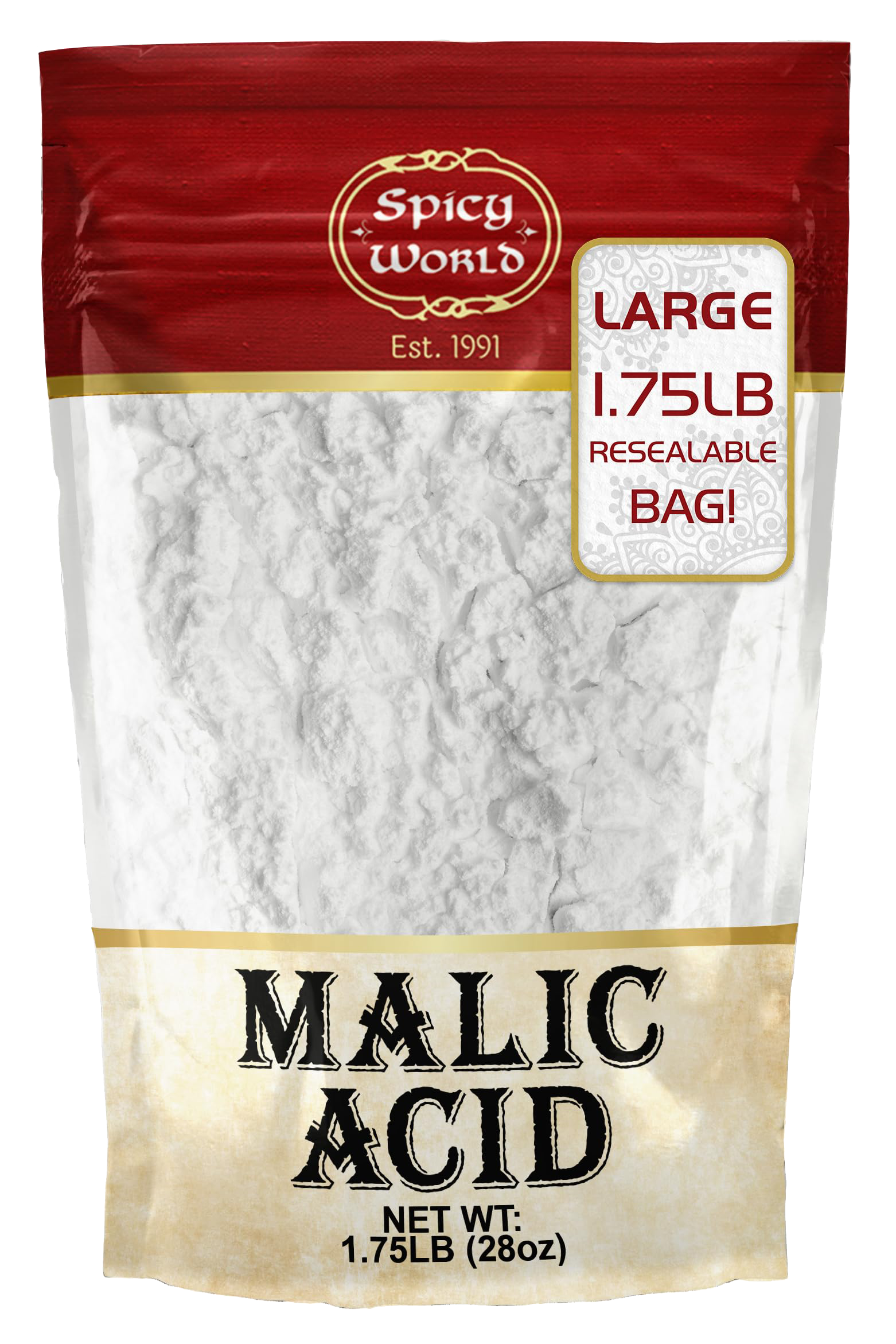
Citric and malic cover most adjustments. When a tartaric result appears, use food-grade tartaric acid as well.

Help expand the calculator
Suggest an Ingredient
Have a juice or fruit you would like added? Suggestions will be reviewed for future calculator updates.